
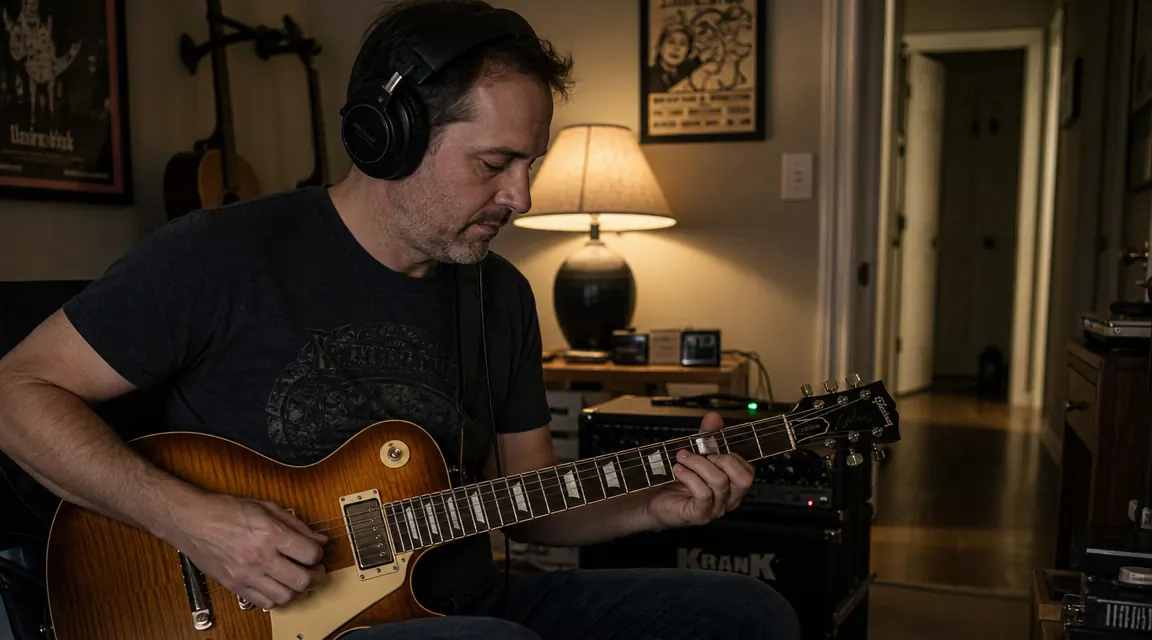
You want to play at 11pm. Your partner is asleep. The walls in your place are not thick. This is the exact problem that pushed me toward headphone practice about three years ago, and I'll be straight with you: I resisted it for longer than I should have. I thought playing through headphones would feel sterile, disconnected, like practicing in a sensory deprivation tank. What I found, after some trial and error with signal chains and headphone choices, was that a properly set-up silent rig sounds better than most of the low-volume amp rigs I'd fumbled with for years. The key word is 'properly.' Plug your guitar straight into cheap earbuds and you'll hate every second of it. Build the chain right, and you'll actually look forward to those late sessions.
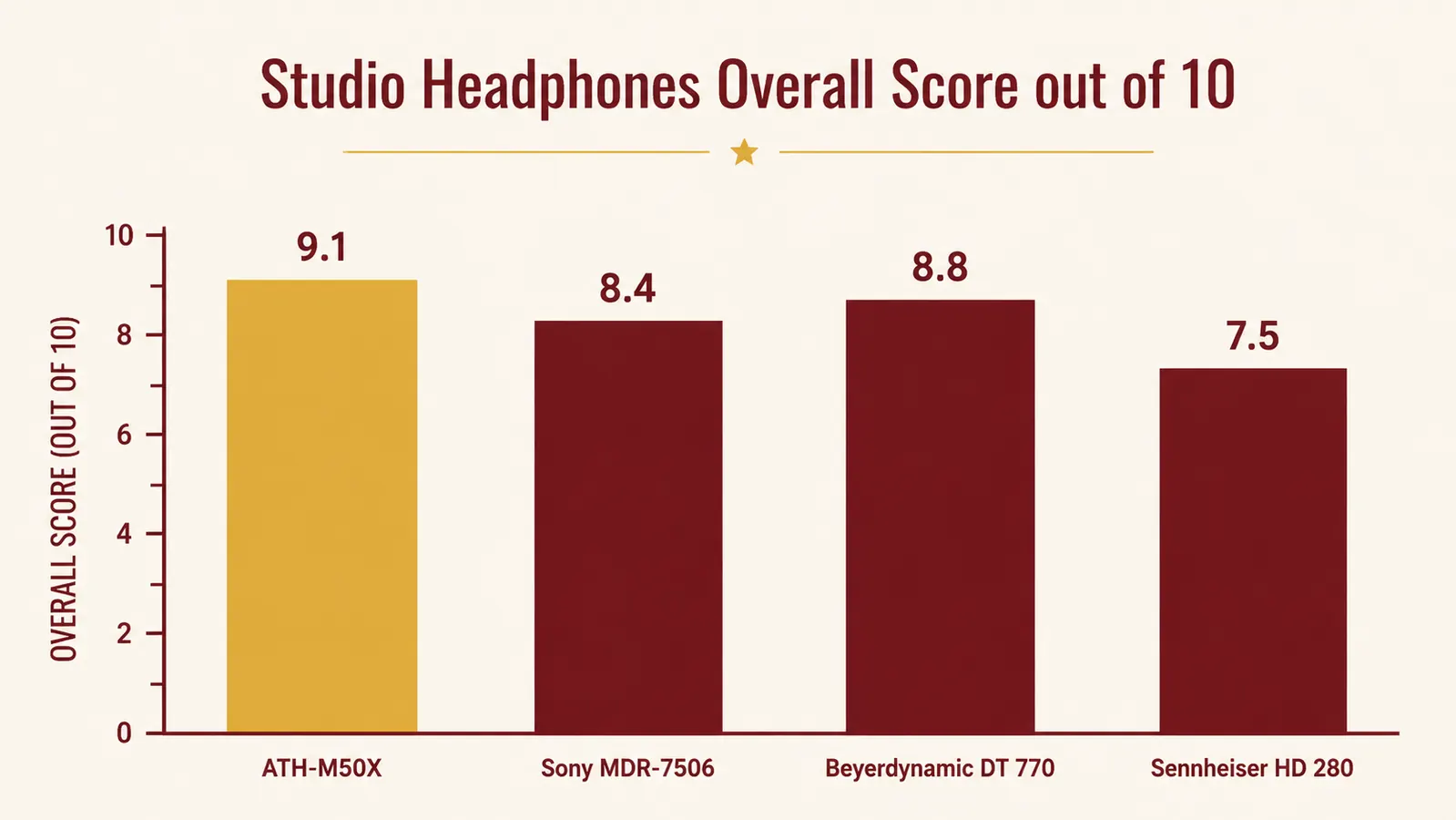
This guide covers every practical signal path for silent electric guitar practice, the impedance and EQ considerations that most tutorials skip, why open-back headphones are the wrong call for this use case, how to protect your hearing at close-range listening volumes, and the specific headphones I run for all of it. That last part is the Audio-Technica ATH-M50x, which I've used long enough to have an informed opinion on. Let's start with the signal chain question, because that's where most people get stuck first.
If you're ready to start: the ATH-M50x is the headphone this whole guide is built around.
Closed-back, 38-ohm impedance, replaceable cables, and a frequency response that plays nice with every signal path covered below. Check current pricing and availability on Amazon.
Amazon Check Today's Price on Amazon →Step 1: Pick Your Signal Chain (This Decision Shapes Everything Else)
There are four realistic paths for getting your guitar signal into your headphones, and they have meaningfully different tradeoffs. None of them is universally right.
Path A is the USB audio interface into a DAW or amp sim software. You plug your guitar into a Focusrite Scarlett Solo or similar interface, run that into your laptop via USB, load up a plugin like Neural DSP, BIAS FX 2, or the free Amplitube Custom Shop, and monitor through your headphones from the interface's headphone out. This is the most flexible path. You get access to hundreds of amp models, cab impulse responses, and effect chains. The downside is latency, which you address by keeping your buffer size at 64 or 128 samples, and by making sure you're monitoring from the interface directly rather than through your computer's audio system. Input monitoring on the interface (the mix knob on a Scarlett, for example) lets you blend direct signal with the processed sound. This path costs more upfront, requires some software learning, and is the only one of the four that lets you record a proper direct track you can re-amp later.
Path B is the Boss Katana headphone out. If you already own a Katana 50 or Katana 100, plug into the phones output on the back panel and you're done. The Katana's built-in Power Control circuit shapes the output specifically for headphone listening, applying cab simulation so it doesn't sound like a raw speaker signal through a can. This is by far the easiest entry point for silent practice, and if you're already using the Katana as your main amp, it costs you nothing extra. The limitation is that you're locked to the Katana's amp models and effects, which are good but not as deep or customizable as dedicated software. It's also a fixed impedance output, so read Step 2 before you assume any headphones will work.
Path C is a dedicated headphone amp adapter like the Vox amPlug 2. These are small devices that plug directly into your guitar's output jack, run on two AAA batteries, and have a headphone out built in. They model a specific amp type (AC30, Marshall, bass amp), they're genuinely portable, and they cost about $60. I keep one in my guitar bag for hotel rooms. The tone quality is passable and they're excellent for working on technique without worrying about amp character. Don't expect studio-quality sound or deep parameter control. Think of it as a sophisticated practice tool, not a recording solution.
Path D is a dedicated pedal preamp or multi-effects unit with a headphone out, run into your interface or straight into headphones. Units like the Fractal FM9, the Line 6 HX Stomp, or even a simple Tech 21 Sans Amp give you amp modeling with a direct output, and many of them include a headphone output with cab simulation built in. If you're already running a pedal-heavy rig, this is often the most natural extension. These units tend to handle headphone impedance better than raw amp headphone outs and give you a consistent signal regardless of what downstream device you're monitoring through.
Step 2: Match Your Headphone Impedance to Your Output Source
Impedance is the part of this conversation that gets skipped in almost every YouTube tutorial, and it's why some players try headphone practice, sound thin and weird, and give up. The short version: your output source has an output impedance, your headphones have an input impedance, and if they're mismatched, you lose bass response and the perceived volume drops off faster than it should.
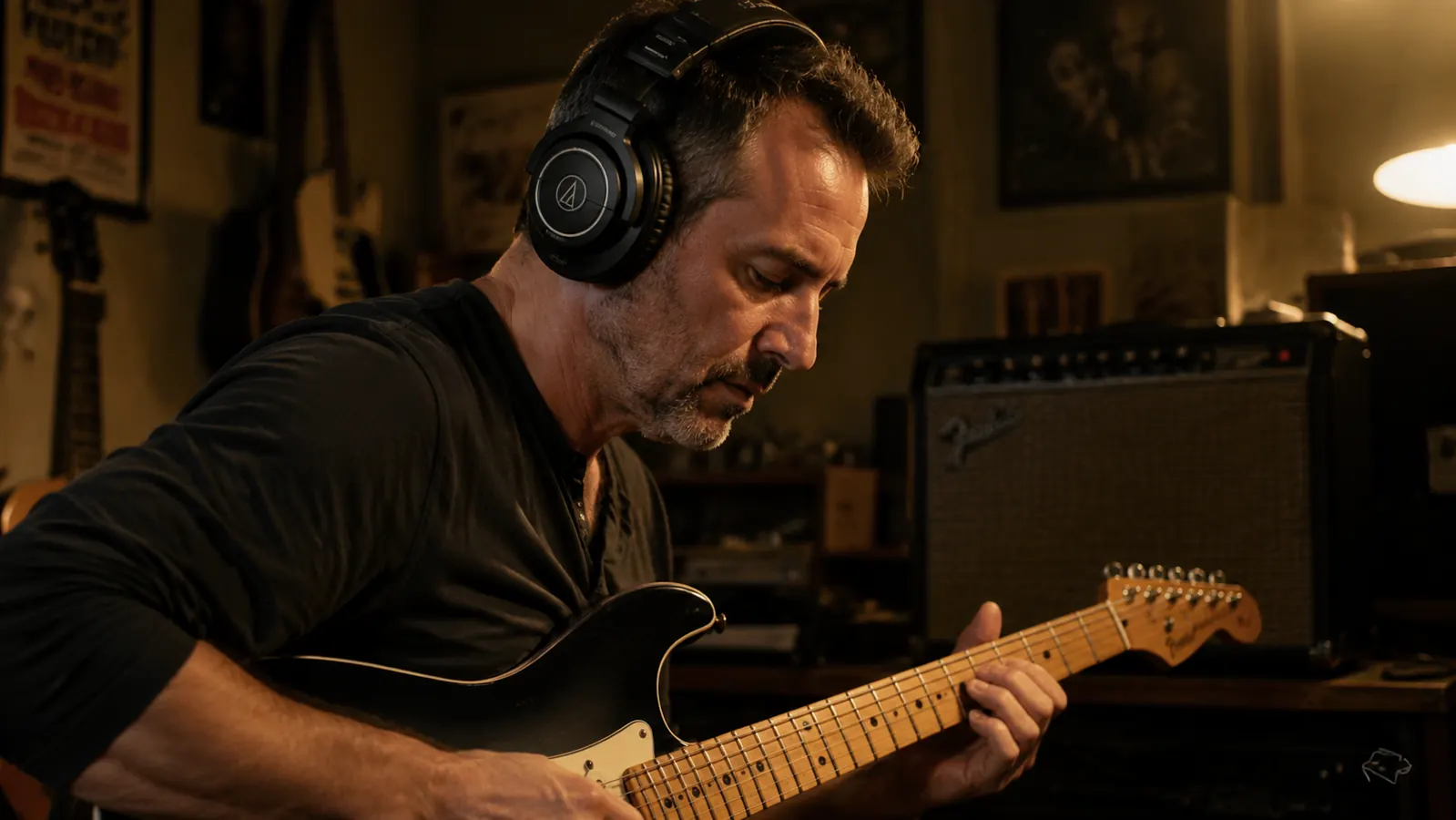
The Audio-Technica ATH-M50x is rated at 38 ohms. That's a comfortable match for the headphone outputs on most USB audio interfaces, which are designed to drive 16-600 ohm loads at reasonable volume. The Katana's headphone output, which runs around 100 ohms nominal, is also fine with the M50x. Where you run into trouble is plugging high-impedance professional headphones (250-600 ohm, common in audiophile and broadcast gear) into a bus-powered interface without a dedicated headphone amp stage. Those setups pair badly. For guitar practice specifically, stay in the 32-80 ohm range and you avoid most of the mismatch problems. The M50x at 38 ohms sits right in the sweet spot.
Step 3: Understand Why Closed-Back Headphones Are the Right Choice Here
Open-back headphones, like the Sennheiser HD 600 or the Beyerdynamic DT 990, have perforated ear cups that let air move freely. This creates a more spacious, speaker-like soundstage that audiophiles and mixing engineers love for referencing. For guitar practice, open-back headphones create two problems. First, sound leaks out of them. If you're in the same room as someone else, or even in a quiet apartment building with thin walls, you'll be surprised how much guitar signal bleeds out of an open-back can. You defeat half the purpose of silent practice. Second, the soundstage expansion that makes open-backs appealing for mixing makes it harder to hear the fine-grained details of your playing, particularly pick attack and string noise, because the psychoacoustic effect of the soundstage blurs those transients slightly. Closed-back headphones keep the sound in, and they give you a more immediate, honest read on your technique.
The M50x is closed-back with full circumaural (around-ear) cushions. The isolation is good enough that you can play at moderate listening volumes in a room with a sleeping partner two feet away without the headphone bleed waking them up. That's the actual use case.
Open-back headphones defeat half the point of silent practice. Sound leaks out. Closed-back is the only sensible call for late-night playing.
Step 4: Correct for Headphone EQ (Because Headphones Are Not Speakers)
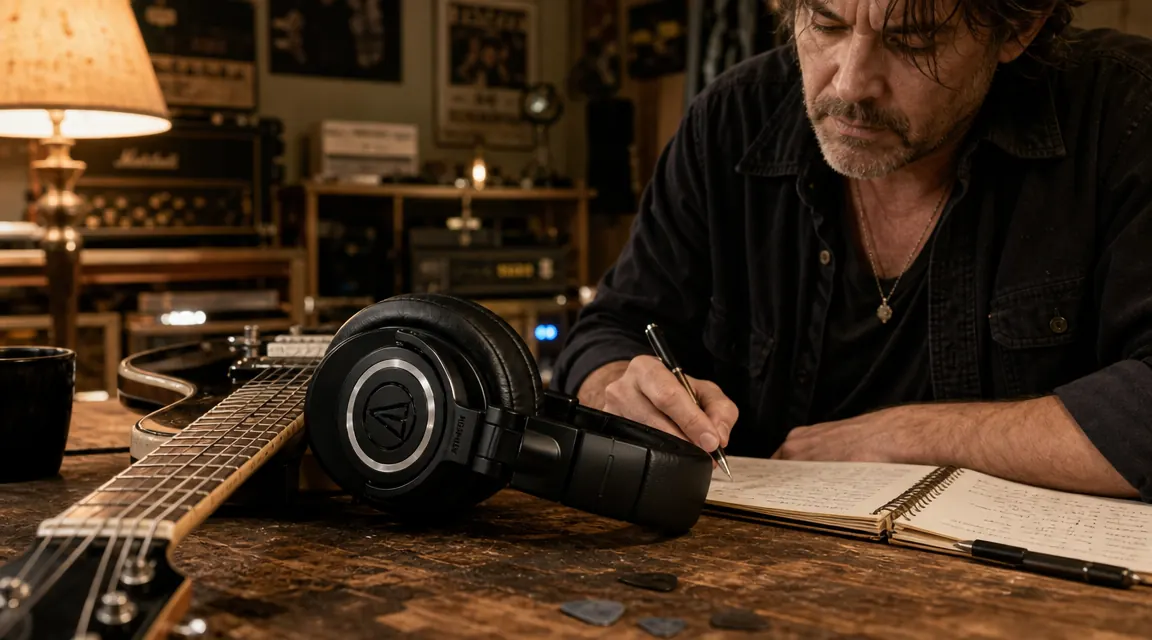
This is the thing nobody explains to you when you first plug a guitar into headphones and think it sounds wrong. Loudspeakers in open air, including guitar cabs, create a physical bass response through air pressure on your body. Headphones sitting on your ears do not reproduce that physical response, so bass and low-midrange frequencies sound proportionally thinner, and high frequencies can feel harsh and close-up in a way that they don't through a speaker. The M50x compounds this slightly because it has a gently V-shaped frequency response, with a lifted high end and extended sub-bass, which works well for pop music but adds a little extra brightness to guitar amp simulations.
The fix is a light EQ correction applied before your headphones in the signal chain. In your amp sim software, pull the high end back by 2-3dB above 6kHz and add 3-4dB somewhere in the 100-200Hz range to restore the body that open-air playback provides naturally. If you're using the Katana's phone out or a standalone preamp pedal without software EQ, a simple parametric EQ pedal before the output works. Some players use the free Peace Equalizer app (Windows) or the built-in System Preferences EQ on Mac to apply a gentle Harman target correction curve to their output. It takes ten minutes to set up and the improvement in guitar tone is immediate.
Step 5: Set Your Monitoring Level for Hearing Protection
This is not a small concern. I've been playing loud rooms for 30 years and I have the mild tinnitus to prove it. Headphones are more dangerous than speakers in one specific way: because they sit on your ears and the source is centimeters from your eardrum, you get consistent high SPL with no room to escape. With a speaker in a room, you naturally back away, move around, and get distance-based attenuation. With headphones, every moment of playing is point-blank delivery to your ear canal.
NIOSH guidelines put the safe daily exposure limit at 85dB SPL for 8 hours, with that limit dropping by half for every 3dB increase. At 94dB, you're safe for about 1 hour. At 100dB, 15 minutes. Guitar amp simulations through studio headphones at a volume that 'feels loud enough to have tone and dynamics' typically sit in the 85-95dB range, which means a two-hour practice session at the upper end of that range is pushing close to the limit. Buy a cheap SPL meter app for your phone, hold it at arm's length next to your head while playing, and check your actual level. Aim for 75-80dB for long sessions. You'll be surprised how much detail you hear at that volume once you dial in the EQ and signal chain properly. Louder is not more informative for practice.
What Else Helps
A few things that don't fit neatly into numbered steps but genuinely improve the experience. First, cable management: the Audio-Technica M50x ships with a coiled cable that's fine for a studio desk but awkward for sitting on a couch or playing standing up. The detachable cable system on the M50x means you can swap to the included straight cable or buy a shorter third-party cable. A 1.2m straight cable from a third-party source is much better for seated practice. Second, comfort for long sessions: the M50x clamps a little firmly when new, which most players notice around the 90-minute mark. The cushions break in over several weeks and the clamp relaxes noticeably. If you want to speed that up, leave the headphones clamped around a few thick books for a few days. Third, if you're using software amp sims, take the time to learn one well before moving to another. BIAS FX 2 and Neural DSP Archetype plugins all sound excellent, but you get better results spending six months inside one tool than hopping between five. The presets are a starting point, not the destination.
For a deeper look at how the M50x holds up across three years of daily use, including its real weaknesses on comfort and EQ coloration, read my full long-term review. And if you're deciding between the Katana headphone out and a standalone interface rig, my honest Katana review covers the headphone output specifically in the context of apartment practice.
A cheap SPL meter app and 15 minutes of level-setting will protect your hearing better than any amount of good intentions. Check your actual dB before you settle into a two-hour session.
The ATH-M50x is the headphone this whole guide assumes. It covers every signal chain path, holds up physically for years, and the replaceable cable means you're not buying a new pair when the wire frays.
Check today's price on Amazon. It has been hovering around $150 for the past year, which is genuinely fair for what you get.
Amazon Check Today's Price on Amazon →